- Please follow these steps to redeem a Norstatpanel Gift Card.
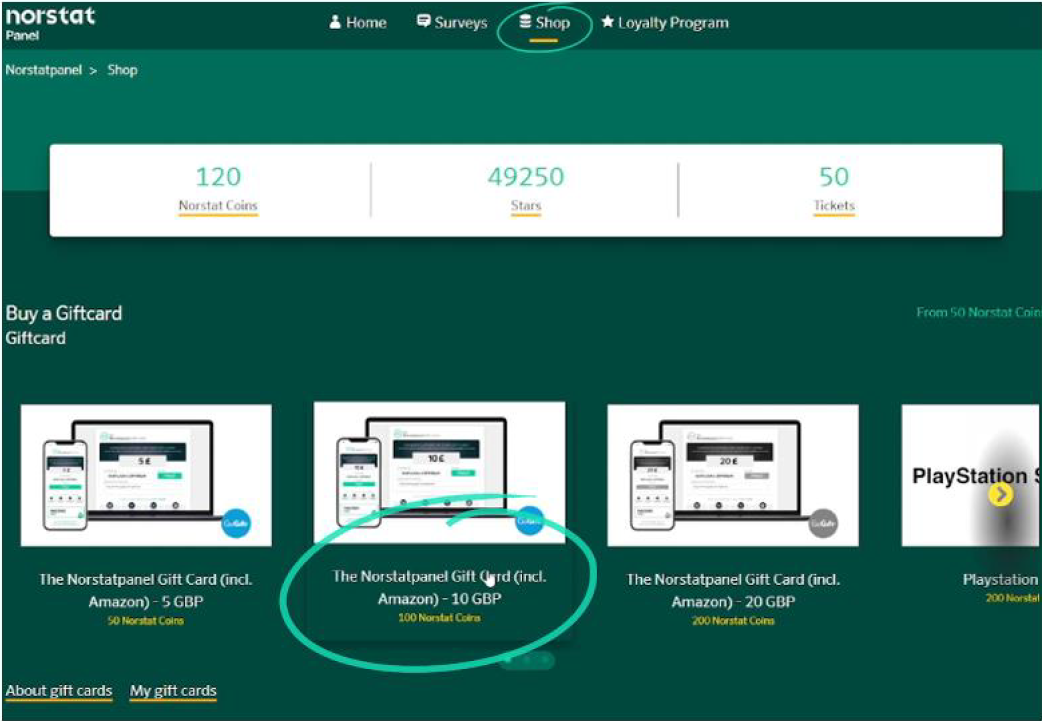
- Click on the gift card value of your choice via the Shop link on your main dashboard:
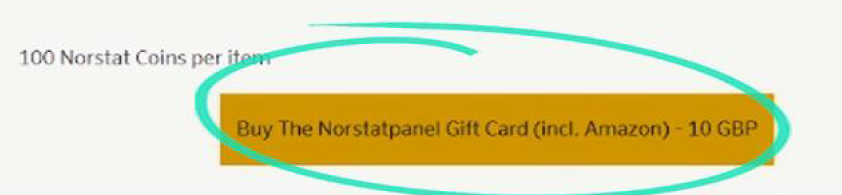
- Click the 'Buy The Norstatpanel Gift Card' button.
- An authentication code will be sent to your registered email address.
- If you don't receive the code shortly, check your junk/spam folder.
- Enter the code and click 'Submit'
- Click on 'My Gift Cards' at the bottom of the screen
- Look for the correct Gift Card, if there is more than one, by checking the Issue Date
- Make a note of the Pin-code displayed for that card
- Click the 'Open your gift card' button which will take you to the Go Gift website.
- Enter your Pin-code and click 'Continue'
- Confirm your location.
- Click 'Press here to redeem' on the next screen.
- Your Nortstatpanel Gift Card balance, should have been added to the shown balance on screen.
- Click 'Ok', then 'Click to Close', on the nest screens.
- Select the gift card required from the wide range shown.
- Choose the value by clicking the arrow in the value box., then the 'Choose' button.
- Now click 'Go to basket'
- Enter your name and email in to the Billing Information screen
- Ensure your email is correct as otherwise the card could be sent to someone else.
- Tick 'I agree to GoGifts Terms and Conditions'
- Click 'Finalise Redemption'
- You should now receive 2 emails from GoGift
- One will confirm your order, the other will have your Gift Card link
- Click the link, enter the same email address you used for the Billing Information then click 'Continue'
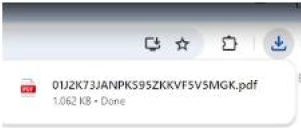
- Your browser will download your Gift Card in the form of a PDF file
- Click on the downloaded PDF to open it
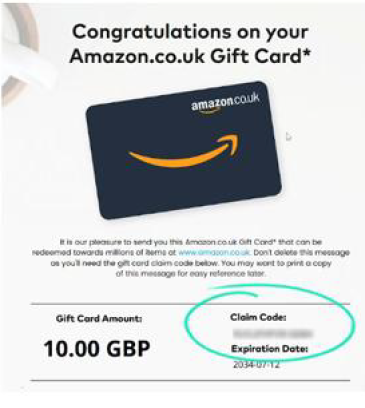
- Use the Claim Code shown in this PDF file on the website of the selected card i.e. Amazon
Was this article helpful?
That’s Great!
Thank you for your feedback
Sorry! We couldn't be helpful
Thank you for your feedback
Feedback sent
We appreciate your effort and will try to fix the article